
Assistant for Google Home
Control your home from your Garmin watch
Create a command using the same room and device names from your Google Home app, then choose an action and confirm it on your watch.
How to useQuick guide
Build your command
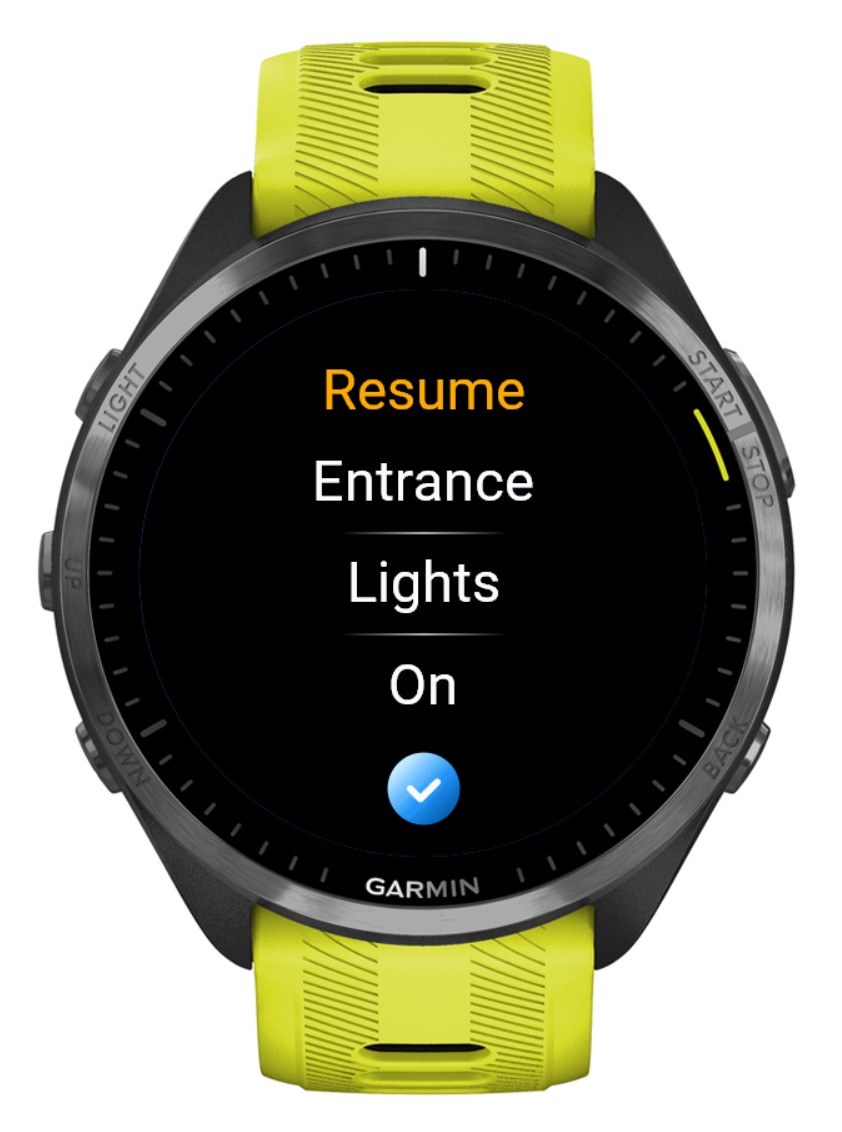
Each command is made from three simple parts. Keep the room and device names exactly as they appear in Google Home.
-
01
Room name
Enter the room name exactly as it appears in your Google Home app.
Entrance -
02
Device name
Enter the device name exactly as it appears inside that Google Home room.
Lights -
03
Supported state
Choose an action supported by the device, such as On, Off, Open, Close or Pause.
On